The thirty seconds between noticing your pocket is light and locking everything down are the most expensive seconds of your digital life. Once a thief has your unlocked phone, the damage cascades: banking apps, email reset links, two-factor codes, Apple Pay, Venmo, photos used as ID for other accounts. By the time you find a laptop and log in somewhere, the attacker may already have moved money, changed passwords, or at minimum knows exactly where you live, who your boss is, and which services you use.
The good news: 2026 is the best year ever to recover a phone, lock the data on it, or get paid back for it. The bad news: every move has a window, and most people fumble the order. Here is the playbook that actually works, in the order you should run it.
The First 10 Minutes: Lock the Phone Before You Hunt for It
Do not call your own number from a stranger’s phone hoping someone answers. Thieves do not answer. Open Apple’s Find My or Google’s Find My Device on any browser, sign in with the account tied to the phone, and put it in Lost Mode (iPhone) or Secure Device (Android). Lost Mode locks the screen with a passcode, suspends Apple Pay and Google Pay, and displays a callback number on the lock screen without unlocking the phone.
Two things people skip that they shouldn’t:
- Mark it as lost, do not erase it. Erase removes your ability to track it. Lost Mode keeps the door open while protecting your data, and only if you confirm theft later should you remotely wipe.
- Send a message to your other devices. Apple’s Find My and Google’s Find Hub both let you ping a message. Include a number someone can reach you at, and the offer of a small reward. Lost phones in taxis and Uber end up returned more often than stolen ones.
The First Hour: Lock the Accounts That Move Money
Once the phone is locked remotely, the thief may still try the SIM. Call your carrier (Verizon, AT&T, T-Mobile, or whoever prepaid your line) and ask for a SIM port freeze or a number transfer PIN. This blocks someone from walking into another store and porting your number to their SIM, which is the standard opening move for the next stage of account takeover.
Then, in order:
- Bank and credit card apps: Not the carrier, not email first. Bank. Lock cards in the app, then call the fraud line. The app’s lock-card button is faster than calling.
- Apple Pay, Google Pay, Venmo, Cash App, Zelle, PayPal: Each one has a “log out of all devices” toggle. Use it from the web, and change the password for each.
- Email: Specifically Gmail or iCloud, since those are the password-reset keys to everything else. Change the password, then revoke active sessions.
The First 24 Hours: File the Right Police Report
If the phone was stolen (not lost), file a police report online or in person. Get the case number. You will need it for three things: the insurance claim, the carrier claim, and the IRS if you later need to claim a theft loss tied to identity theft.
Then activate your carrier’s theft block. As of 2026, all four major US carriers and most MVNOs (Mint, Visible, Consumer Cellular) participate in a shared stolen device blacklist that prevents the IMEI from activating on a new line, even with a different SIM. Some carriers do this automatically when you file the report; others require you to ask. Ask.
The Tracking Tools That Actually Work
For iPhones, Apple’s Find My now works even after a hard factory reset, because of the Activation Lock tied to your Apple ID. A thief can wipe the phone, but cannot reuse it without your password. This is the single biggest reason iPhones are stolen for parts, not for resale.
For Android, Google Find My Device has a similar factory-reset lock when you have a screen lock set and the device is signed in to a Google account. Some Samsung phones also layer in a hardware-based knox-rfling block.
Two practical notes:
- Location accuracy drops fast. The phone’s last known location is only useful for an hour or two indoors. If Find My shows an address, do not go alone. Call the non-emergency police line and ask an officer to accompany you. Some precincts will, some won’t; either way, do not confront.
- Bluetooth trackers (AirTag, Tile, Chipolo) attached to your wallet, keys, and laptop bag are the actual recovery tool. The phone is usually gone; the wallet with your cards and ID is what follows. A $30 AirTag in each of those three items has a much higher recovery rate than the phone itself.
The Insurance Moves That Actually Pay Out
Most people do not realize their phone is insured three times over. Check each one before you file a claim, because you can only collect once but you want the best one:
- Carrier insurance (Verizon, AT&T, T-Mobile): usually $7–$13/month, deductibles have crept up to $99–$229 for newer flagships. The deductible alone may exceed what you’d pay to repair a used phone.
- Credit card purchase protection: many Visa Signature and Amex cards cover new phone purchases against theft for 60–120 days. The catch: you must have paid the phone bill or the device purchase with that card. Most people don’t know they have this until they need it.
- Homeowner’s or renter’s insurance: yes, a stolen phone is a personal property loss. The deductible usually makes small claims worthless, but if your phone, laptop, and watch all went in the same incident, the combined loss can clear the deductible.
The actual claim is the easiest part. Photos of the device, the receipt, the police report, and a clear statement of when and where. Most carriers settle in 24–72 hours with a refurbished replacement.
What to Do This Week, Even If You Haven’t Lost Anything Yet
The list above is the recovery list. The prevention list is shorter and worth twenty minutes before you ever need it:
- Turn on a six-digit passcode (not four). Face ID and fingerprint are fine, but the code is the fallback.
- Enable Stolen Device Protection on iPhone (iOS 17.3+) and Theft Detection Lock on Android, both of which add a one-hour delay before passcode-only changes can be made to your Apple ID or Google account.
- Set up a recovery email and phone number that is NOT your primary phone. A spouse’s number, a sibling, a hardware security key.
- Drop an AirTag or Tile in your wallet, your laptop bag, and your work badge holder. That’s where the actual loss happens.
The phone in your hand is replaceable. The keys to your bank account, your email, and your identity are not. Treat the lock screen like one, and you skip most of this article when you need it most.
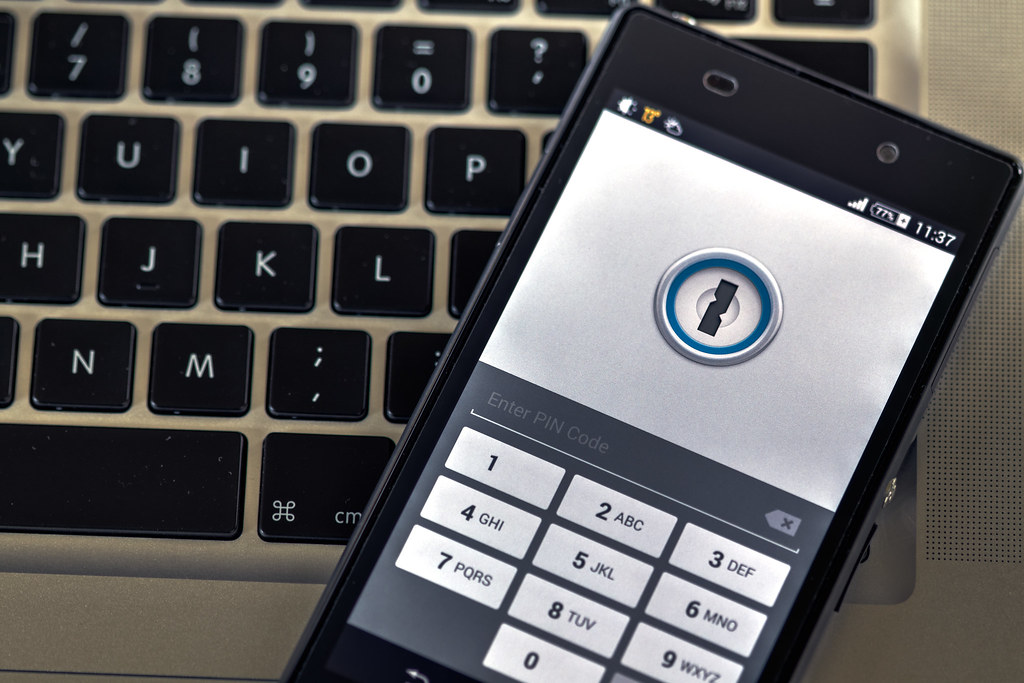
Photo by Ervins Strauhmanis via Flickr, licensed under CC BY 2.0.