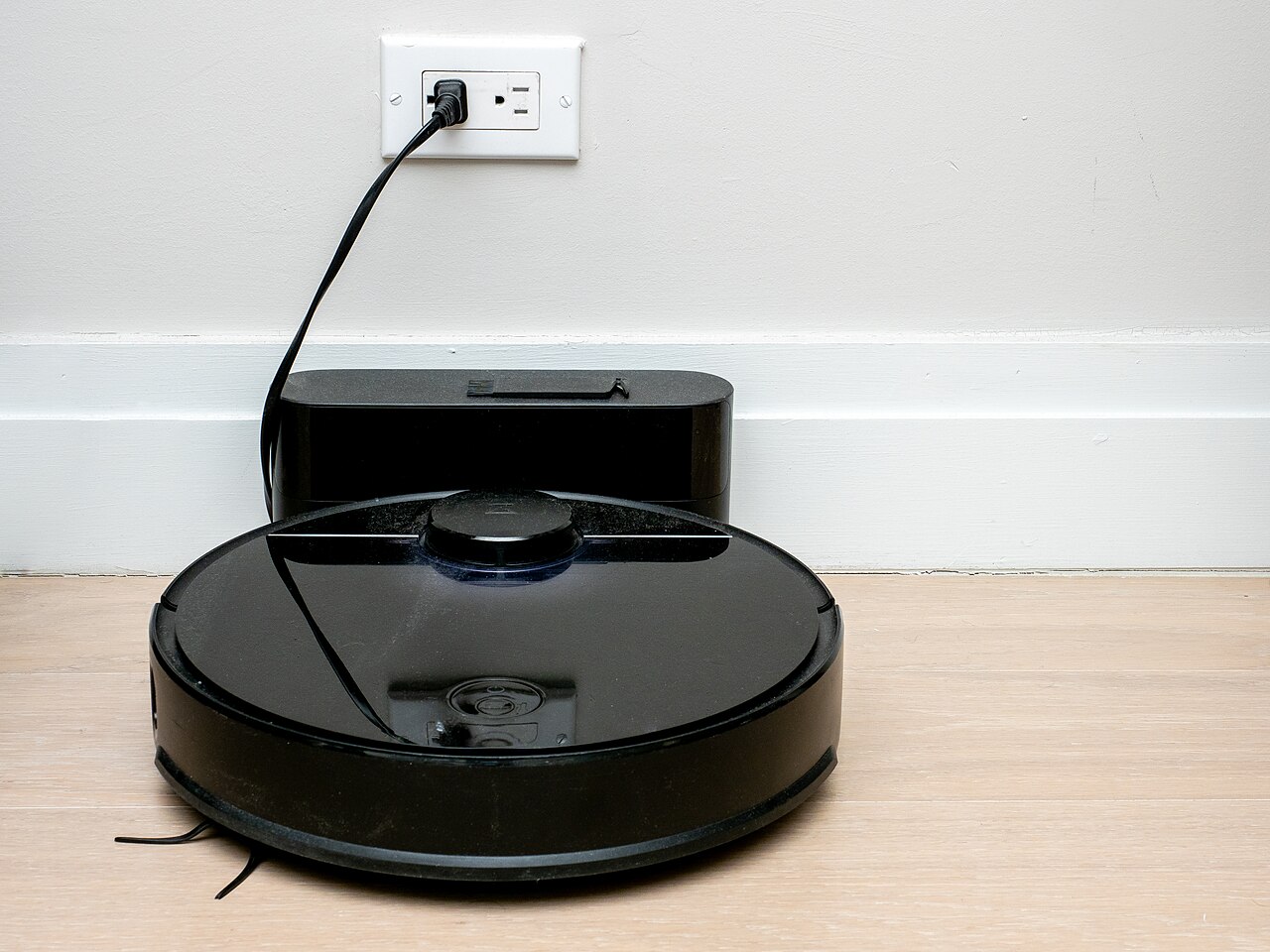
The robot vacuum went from a $1,000 curiosity to a $200 grocery item in about six years. The category now has three tiers, brands that change hands often, and a spec sheet where the biggest number has nothing to do with how well the machine cleans. The price on the box is also roughly half of what the robot really costs you to own, and no listing page shows you that second number.
The price on the box is maybe half the real cost
A robot is a machine with consumables, and that’s where the money goes. Over five years, expect to buy:
- Main roller brush ($20-45) every 6-12 months, sooner with pet hair
- Side brushes ($8-15) about twice a year
- Filters ($12-30) every couple of months with pets or carpet
- Mop pads ($10-20) every month or two if you mop
- Dust bags ($15-30 a multi-pack) every few weeks with a self-emptying dock
Run the math on a $399 robot with a manual dustbin: about $200 in consumables over five years, so roughly $600 all-in. A $1,299 robot with an auto-empty and wash-and-dry dock lands near $1,600 once bags, filters and brushes are counted. The premium tier costs three times the budget tier over five years, and the sticker price hides that.
The battery is the item most owners ignore. Expect shorter runtimes after two to three years, and expect the manufacturer’s pack to cost $60-130 against $25-50 for third-party ones. Some brands honor the warranty only if you use their parts.
The two specs that actually decide how it performs
Obstacle avoidance beats suction
Everyone compares suction numbers, and nobody should. The figure on the box comes from the manufacturer’s own bench, so it isn’t comparable across brands and says nothing about what ends up in the bin. What changes daily results is whether the robot sees and avoids what’s on your floor: cords, socks, a power brick. Cheap models plough into cables and stall; models with good avoidance finish a room in one pass. With pets, this one feature is worth more than every suction number on the sheet.
Brush design decides the hair problem
The most common complaint in pet households is hair wrapping around the main brush until it stops turning. The fix is brush design, not power: look for anti-tangle rollers, and check whether the side brush comes off without a screwdriver. Also check what the replacement brush costs, since that’s your annual order. A robot needing $70 of proprietary parts a year is a different product from one needing $25.
The spec sheet items that are mostly marketing
Some numbers on the box describe a feature you’ll use twice. Treat them as low-priority:
- LiDAR versus camera-only mapping. LiDAR maps better in the dark and around low furniture. For a small flat with no clutter, a camera-only unit is fine. Nobody needs a laser for a 600-square-foot studio.
- “Hot water” mop washing. Check what the dock actually does. Many wash with warm water, not hot, and leave the pad damp in a closed base. A pad that never dries smells within days, and you’ll scrub the dock more than you mop.
- “AI” obstacle detection. The label means nothing across brands. What matters is whether pet waste and cables are in the detected-object list for that model.
Do you even need a robot?
- Small place, hard floors, no pets: a $150-250 robot and a $30 flat mop may cover it. So may a $100 cordless stick vacuum and twenty minutes on Sunday. Are you buying one to save time, or because it looks good in the living room?
- Pets, or carpets you care about: this is where the case is strongest. Spend $400-700, put the money into good avoidance and an anti-tangle brush, and get the self-emptying dock if you hate emptying a bin.
- Large or multi-level home: buy the premium tier with self-emptying, but read reviews for map recovery first, and expect to still need a real vacuum for stairs and corners.
None of these robots climb stairs, and most leave a strip of dust along baseboards. An $80 stick vacuum still earns its place.
The costs nobody lists
- Proprietary parts. Search the manufacturer’s site for the replacement brush, filters and dust bags for that model. If parts are only sold by resellers with vague return policies, expect future hassle.
- The app account. Most robots need an app, and some require an account to run at all. If the company is acquired or shuts down, you can lose map history and firmware updates; basic cleaning usually keeps working. Set a unique password and enable two-factor authentication — the device maps your home.
- Dock placement. The base needs a power outlet, a few inches of clearance each side, and often a wall behind it. Plan the outlet before the purchase.
- Clearance. Robots are roughly 3.5 inches tall and clear thresholds up to about three-quarters of an inch. Measure the gap under your lowest furniture first.
- Furniture-moving. A robot that can’t get under the sofa will bump into it. A furniture riser costs about $25 and solves it.
What to do in the first week
- Pick it up at a sale. Discounts cluster around Prime Day and Black Friday, with deeper cuts on models being discontinued. Twenty to thirty-five percent off a good brand is normal, and register the warranty on arrival.
- Check the return policy and restocking fee before you buy. Two weeks on your own floors tells you more than any review.
- Pick up cords, shoes and rugs for the first run, then set no-go zones for pet bowls and fragile rugs.
- Run it daily for two weeks, then check the brush, empty the bin and wash the filters. If it isn’t picking up visibly more than your manual passes, you’ve bought the wrong machine, and a sale is the time to switch.
The honest bottom line
For most households the winning purchase is a mid-range robot in the $250-450 range with genuinely good obstacle avoidance, paired with an $80 stick vacuum for edges and stairs. Add roughly $200 of consumables over five years and you’re at about $700 — less than a premium combo costs, and it does more of the work that matters.
The $1,400 all-in-one is not a better vacuum. It’s a machine that removes the bin from your chore list. Pay that premium only if emptying a dustbin is what stands between you and running it every day. Otherwise buy the mid-range model, spend the difference on consumables and the vacuum you’ll need anyway, and let the robot handle the floor you look at most.
Image: “Robot Vacuum – Charging” by ajay_suresh, released under CC BY 2.0 via Wikimedia Commons.